Frequently asked questions
What is AURIX?
A wealth intelligence platform for individual investors. You bring your investments together in one place, Intelligence helps you understand what your wealth depends on and what is changing, and Workspace lets you plan with your own numbers.
Which assets can I add?
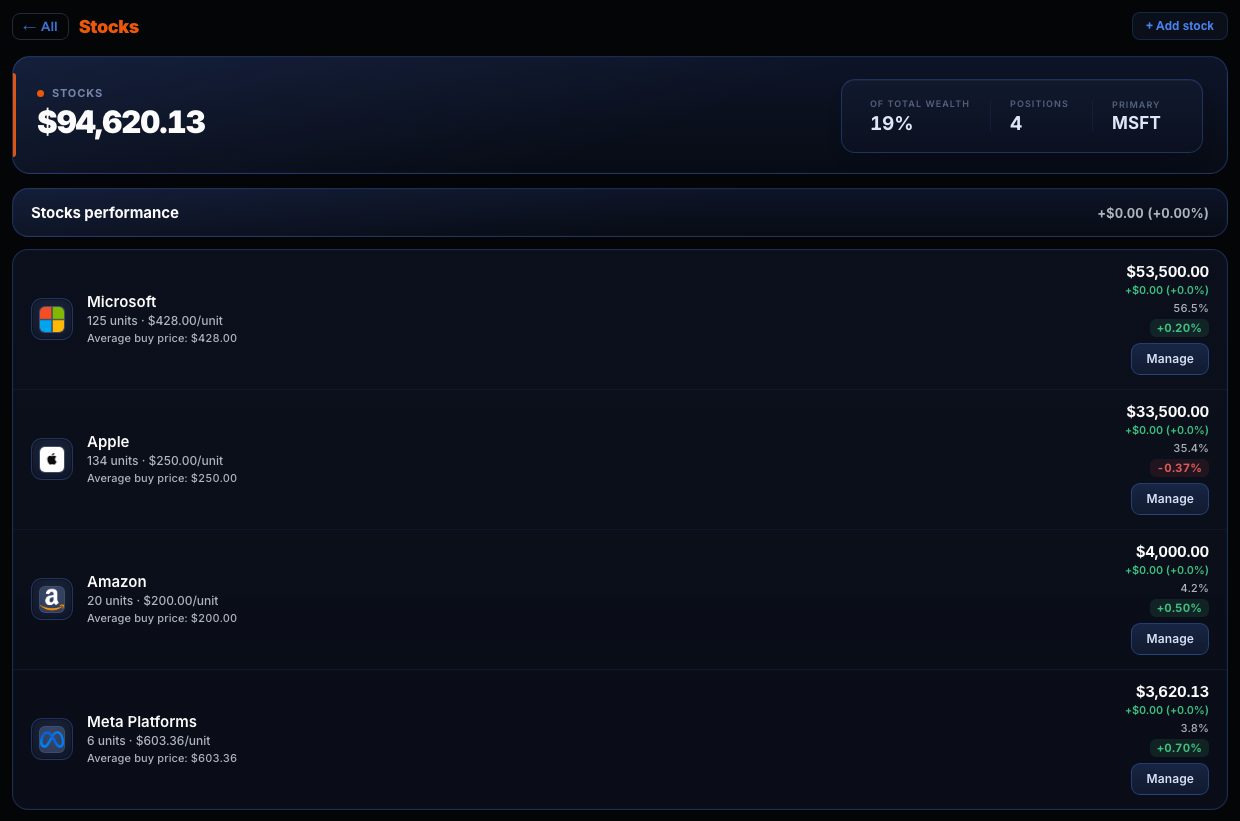
Stocks, ETFs, funds, crypto, metals, real estate and cash. AURIX updates the prices of listed assets; you enter the value of the rest yourself.
Does AURIX connect to my bank or broker?
No. You record your positions by hand and AURIX updates the prices of listed assets. It does not need your banking credentials and cannot move your money.
What can I do for free?
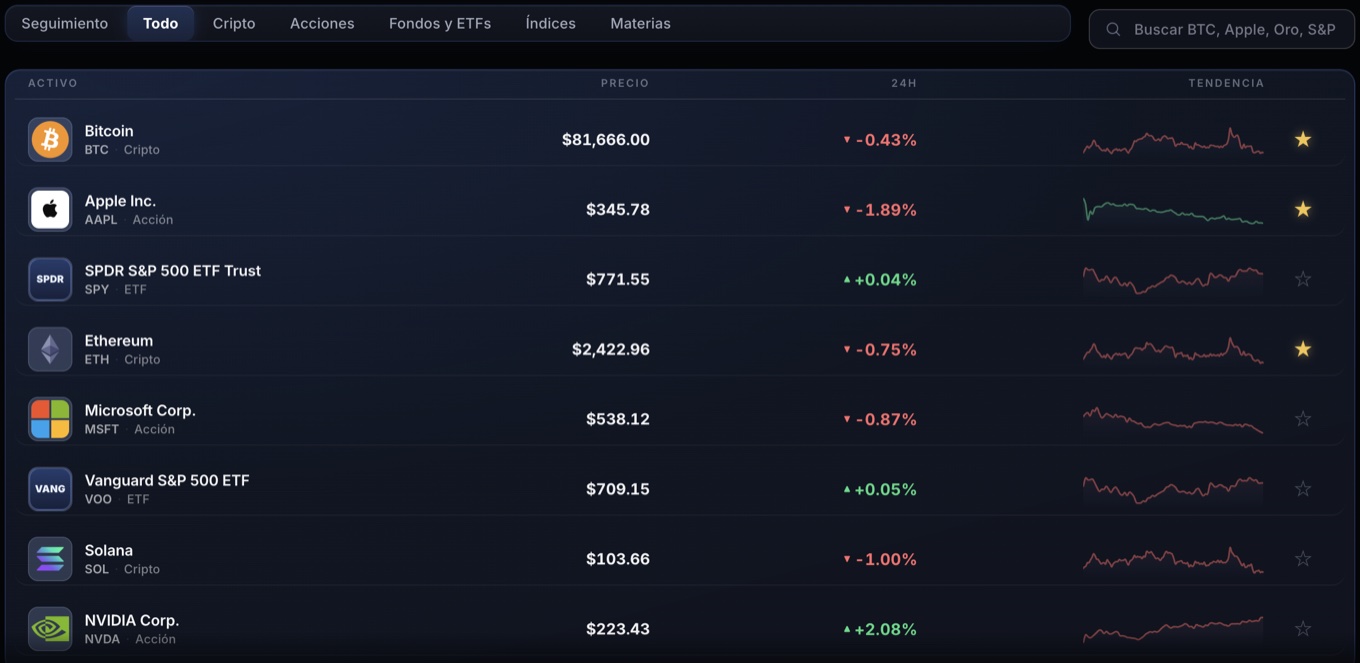
Record all your positions, see your wealth, its split and evolution, follow the market and get a first Intelligence reading of your portfolio's composition. Premium adds full Intelligence, every Workspace tool and saving your plans.
What does Intelligence do?
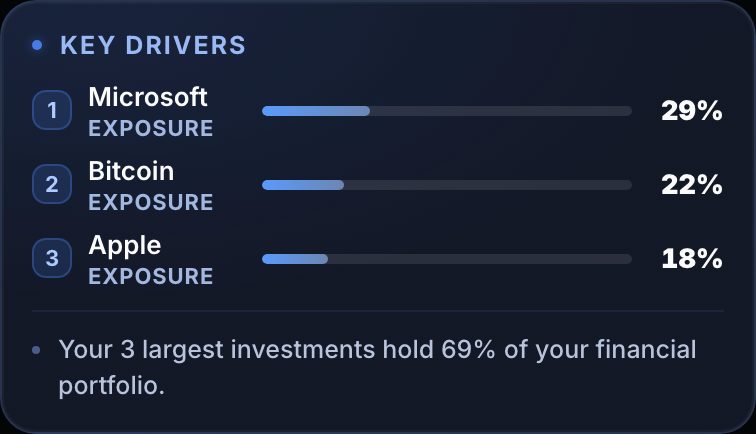
It reads your portfolio and explains it: which positions it depends on, how it is split and what has changed in a meaningful way. Anything about changes builds on the history AURIX records from the day you add your investments. Free includes a first reading, which appears once every asset has an available price and currency; Premium unlocks the full analysis.
What is Workspace?
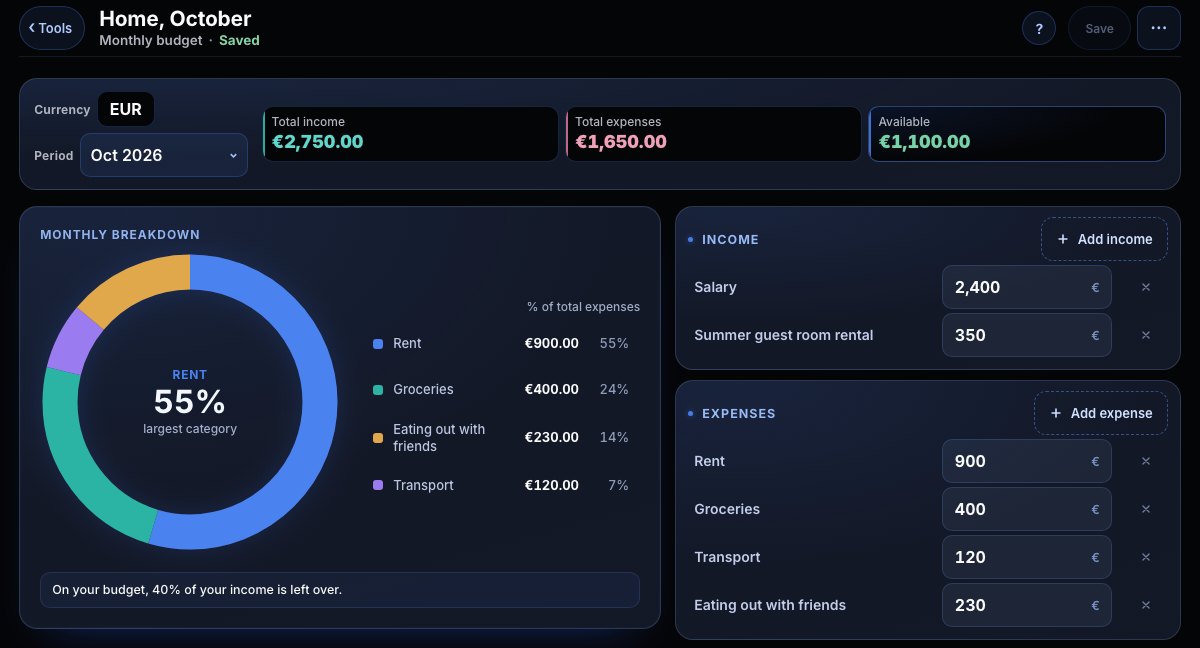
The space to plan: budgets, goals, real estate, receivables, compound interest, loans, scenarios, return comparison and an investment journal. It is part of Premium.
Are my plans saved?
With Premium, each plan is saved as a document in your account so you can pick it up later. Nothing appears on your Dashboard unless you choose to show it there.
How is Premium charged and how do I cancel?
Monthly (€7.99 a month) or annual (€69.99, in a single yearly charge). The subscription renews automatically at the end of each period until you cancel it from “Manage my plan” in the app. Payments are processed by Stripe; AURIX does not store your card.
Does AURIX tell me what to buy or sell?
No. AURIX organises and explains your wealth; it does not give financial advice or investment recommendations.
Where can I use it?
In the browser on your computer or phone, and you can add it to your home screen. Your data is kept in your account.